
What it does
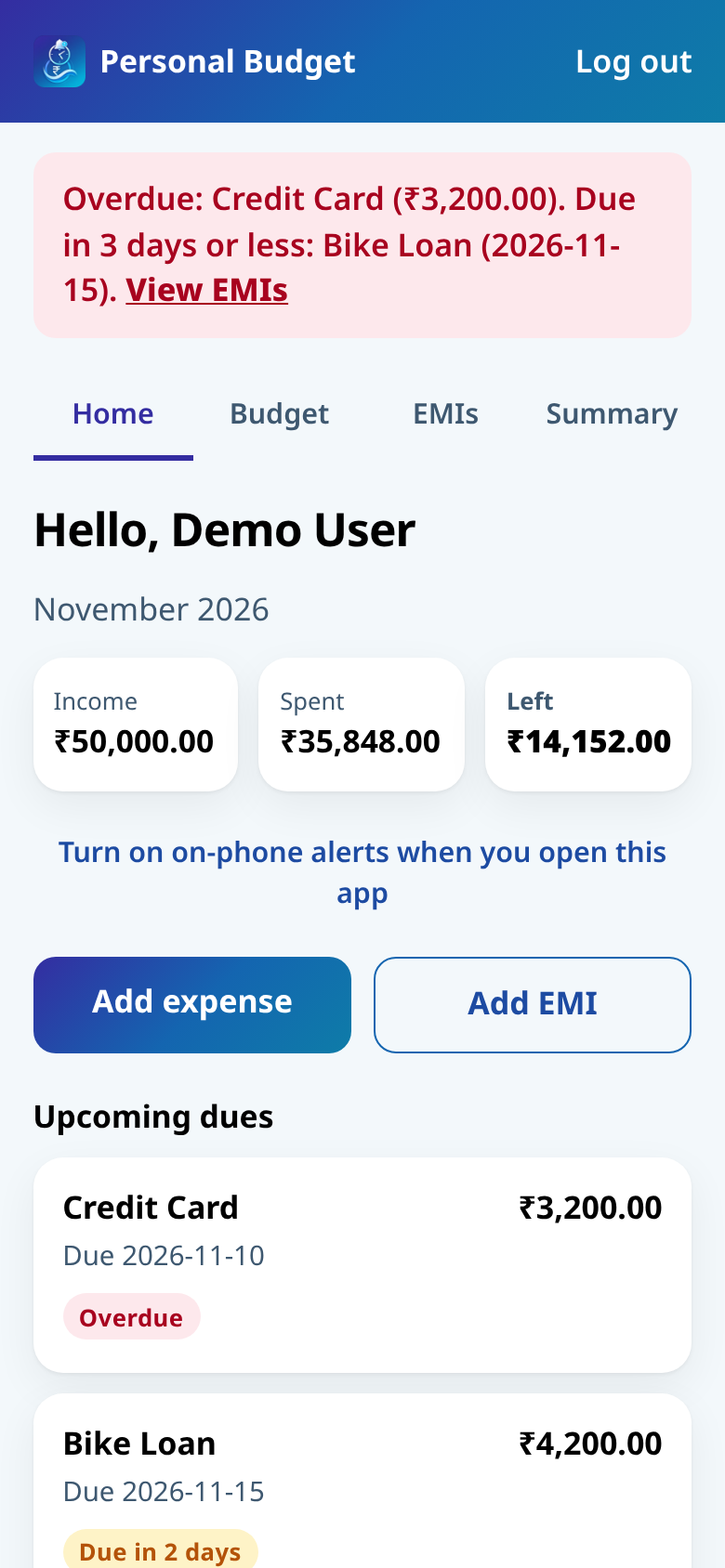
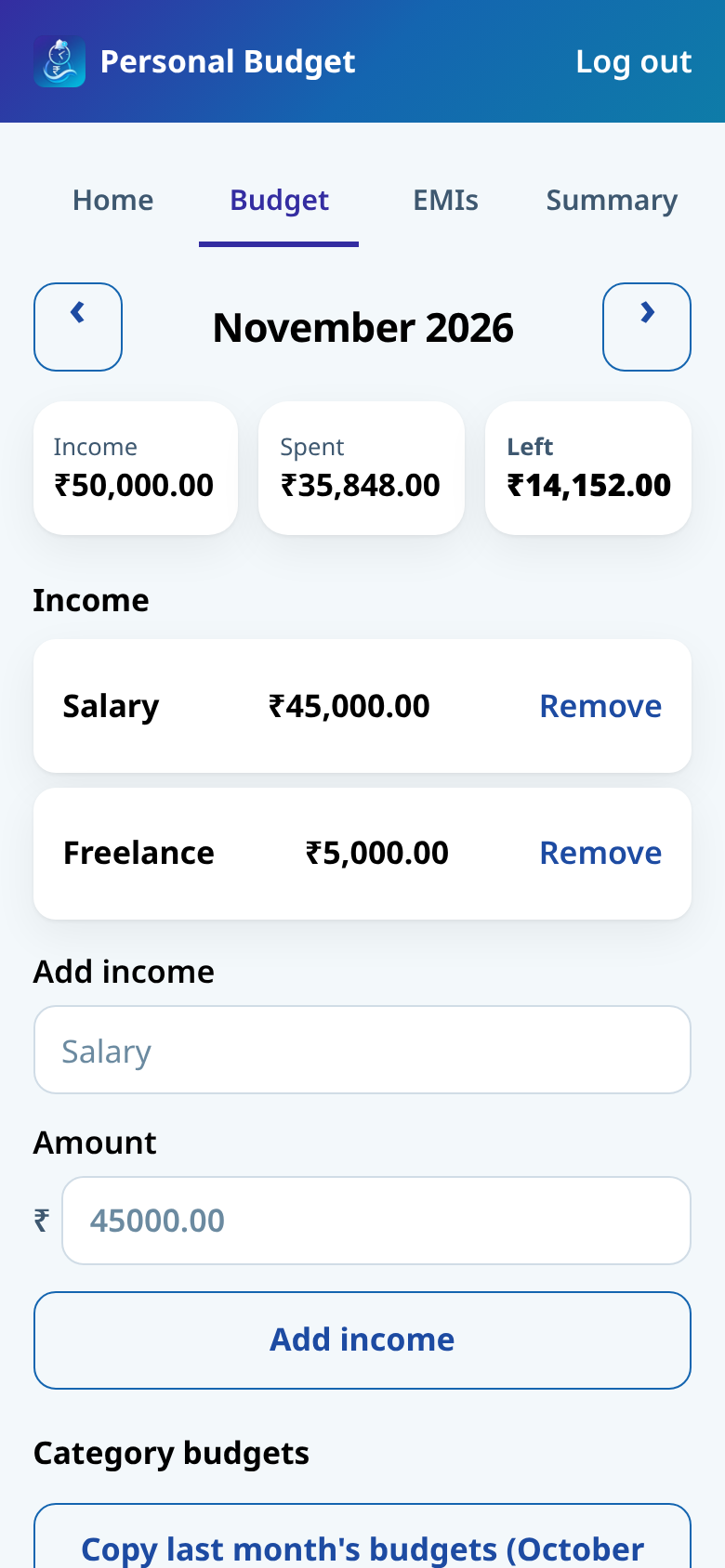
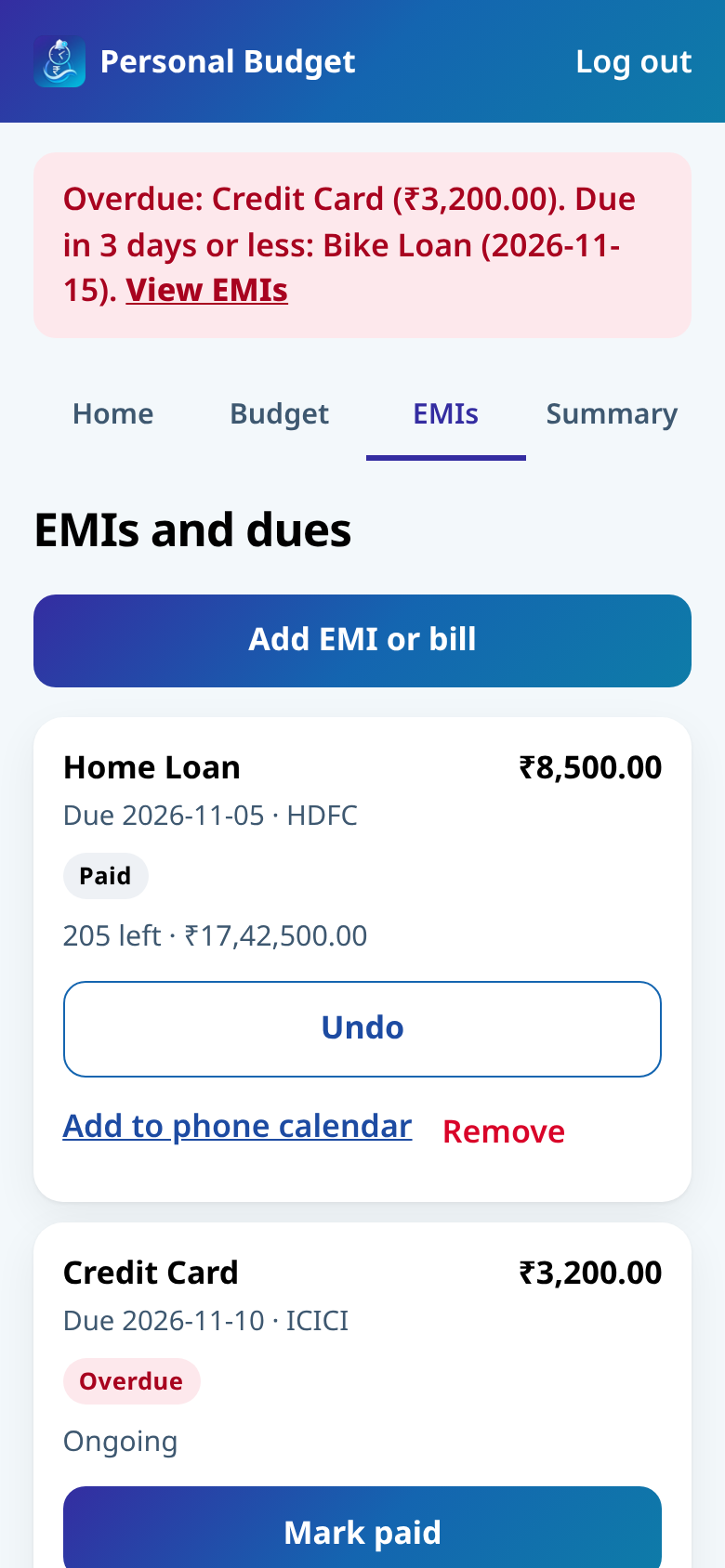
Personal Budget is a personal monthly budget app. Add your income, set a budget for each category, and log what you spend. It also tracks EMI due dates, marks what’s overdue or coming up, and lets you add each EMI as a reminder in your phone calendar.
Key features
- Monthly income, spends and leftover balance in one view
- Category budgets, so you can see what’s left or what’s over
- EMI due dates with overdue and coming-up alerts
- Add an EMI reminder to your phone calendar
- Your own private login
- Install it on Android from Chrome, like Expense Manager
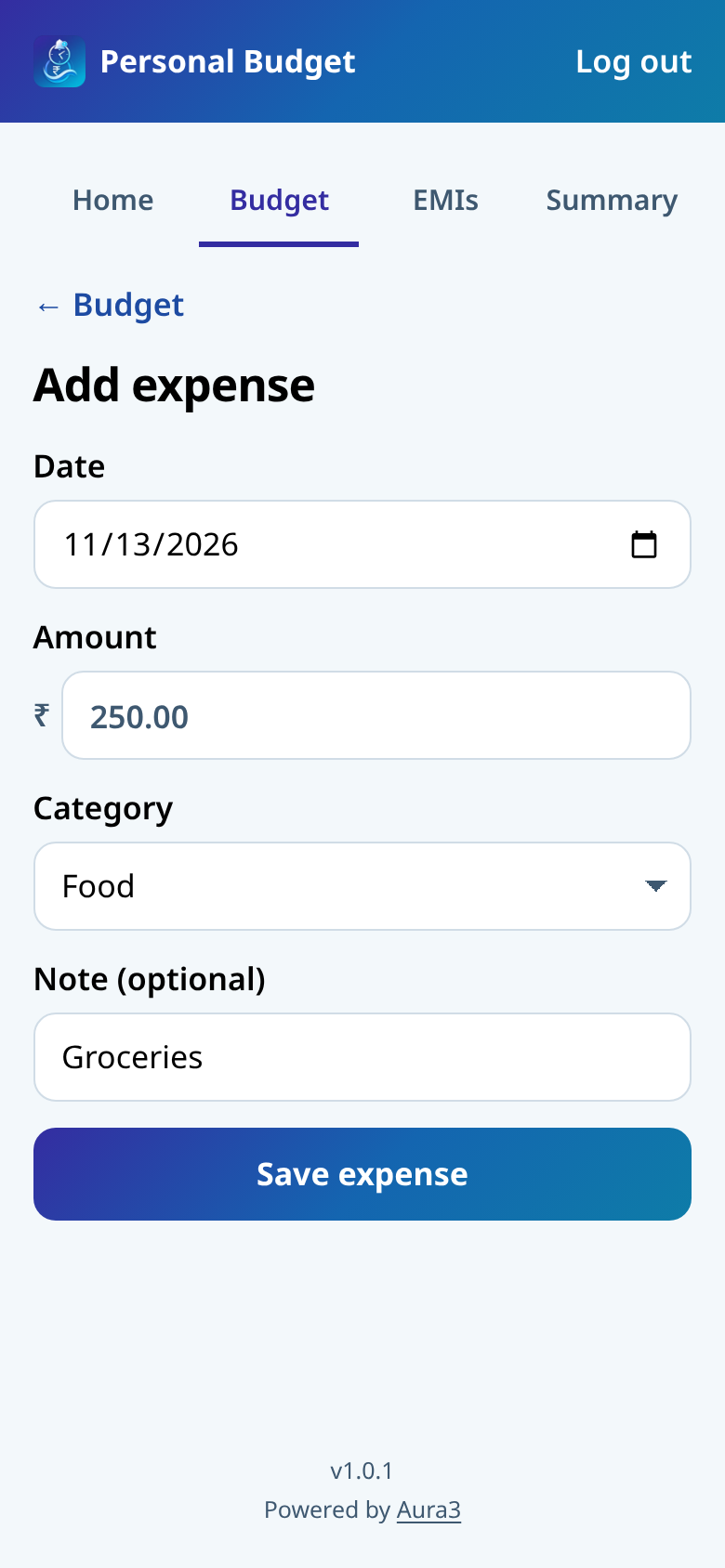
Screenshots
Screenshots from a preview with sample data.
How to install on Android
- 1Open the app in Chrome on your Android phone.
- 2Tap the three-dot menu in the top corner.
- 3Tap Add to Home screen or Install app.
- 4Confirm. The icon appears on your home screen and opens full screen.
FAQ
Is this the same as Expense Manager?
No. Expense Manager splits spends with other people. This one is for your own monthly budget and EMI dates.
Can I install it on my phone?
Yes. Open it in Chrome on Android and use the menu to Add to Home screen or Install app. You do not need the Play Store.
Does anyone else see my budget?
No. Each person has their own login, and your income, spends and EMIs stay private to your account.