

What it does
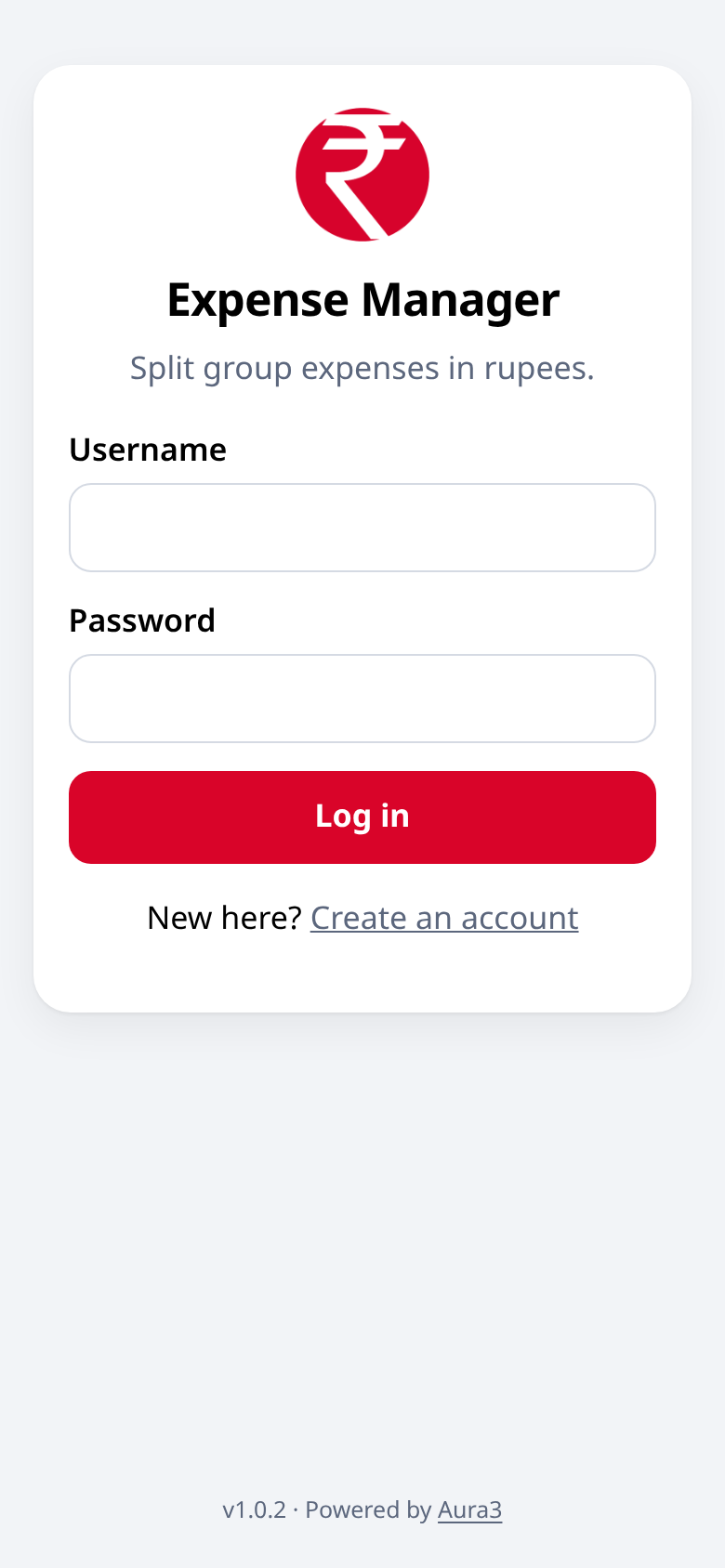
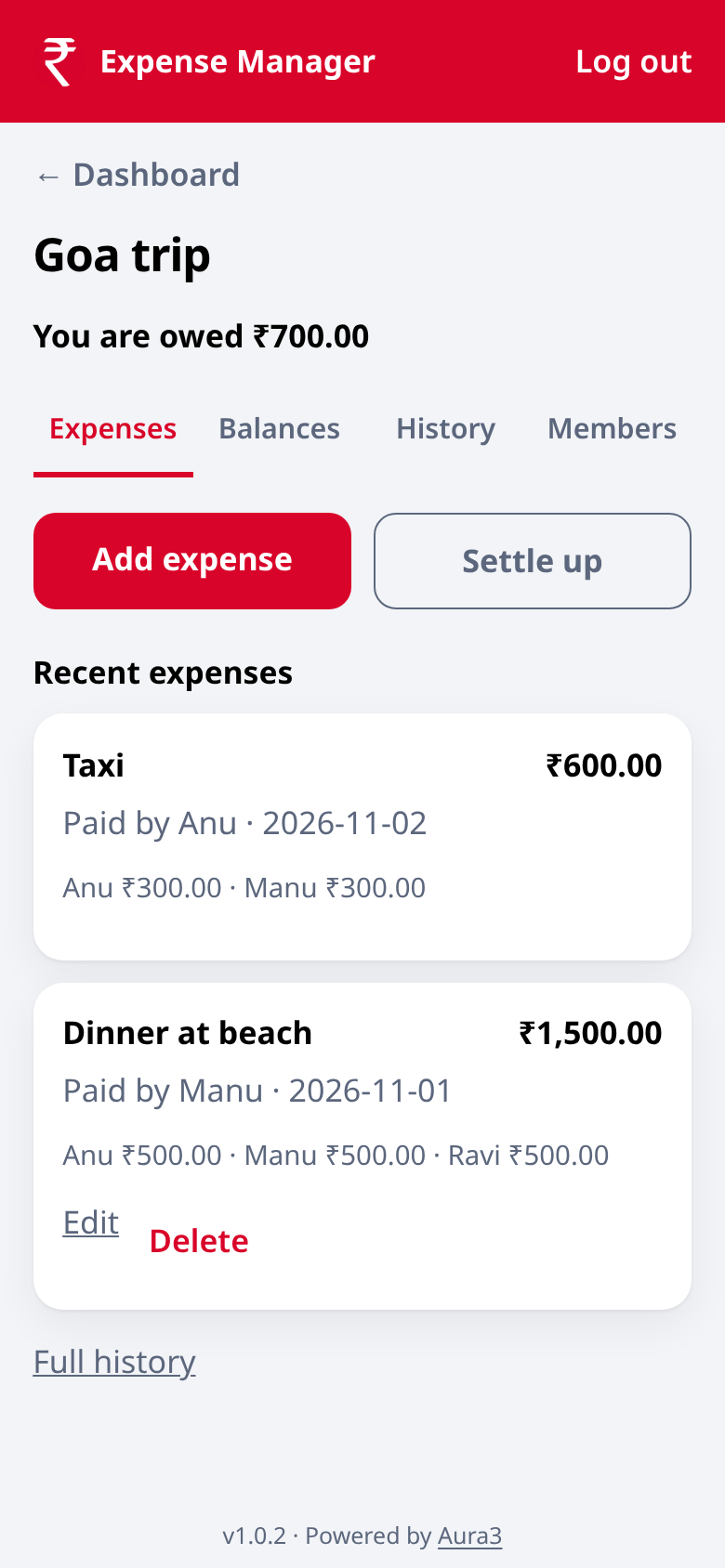
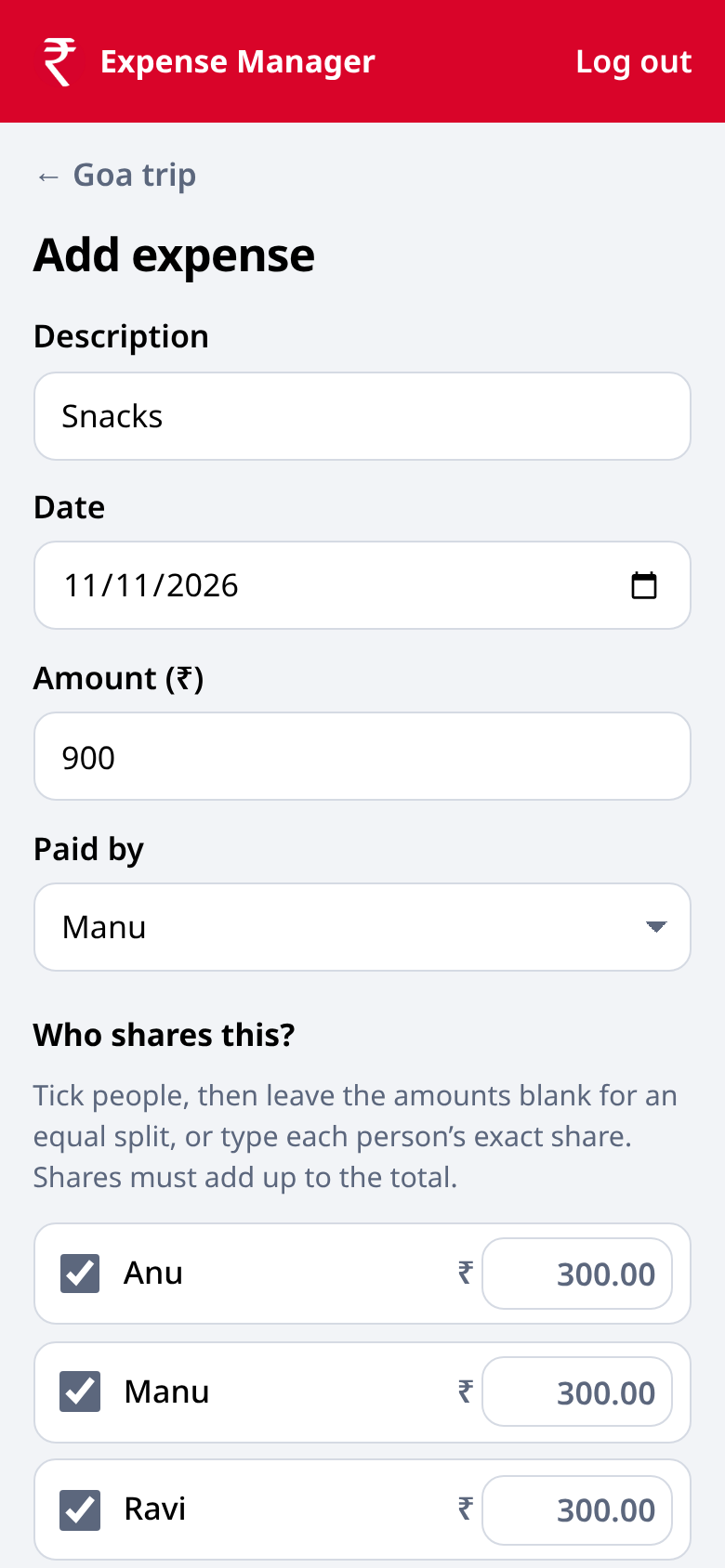
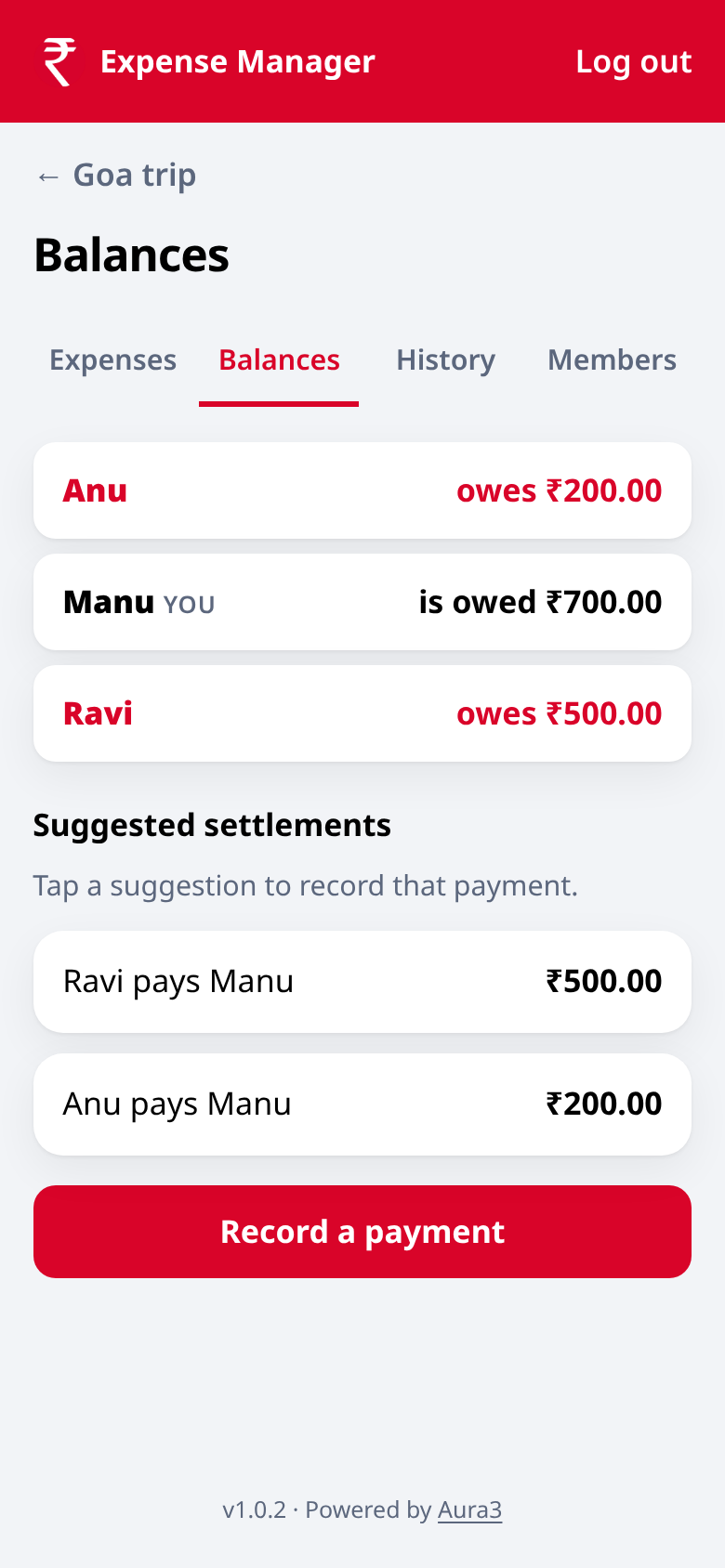
Expense Manager helps friends, roommates and families split spends in rupees. Each person creates their own login. You make a group, add an expense, and choose who shares it — equally or by exact amounts. The app keeps running balances so you can settle up without a messy chat thread.
Key features
- Your own login — no shared passwords
- Groups for trips, rent, meals or everyday spends
- Pick who shares each expense, equal or exact amounts
- Clear balances and a settle-up view
- Made for Indian rupees
- Install it on Android from Chrome, like an app
Screenshots
How to install on Android
- 1Open the app in Chrome on your Android phone.
- 2Tap the three-dot menu in the top corner.
- 3Tap Add to Home screen or Install app.
- 4Confirm. The icon appears on your home screen and opens full screen.
FAQ
Does everyone use the same login?
No. Each person creates their own account and is added to a group by username.
Can I install it on my phone?
Yes. Open it in Chrome on Android and use the menu to Add to Home screen or Install app. You do not need the Play Store.
Is it only for group trips?
No. Use it for any shared spend — a trip, rent, groceries, or a night out.